BETAComing soon.
The next What’s On is almost here — sharper triage, a weekly memory of your world, and replies in your voice, all running privately on your own device. Launching first on Apple — iPhone & Mac, with Android to follow. Be first through the door.
Two good calls in.
Here’s the easy third.
You’re on an iPhone or a Mac, you run Claude, and you’ve got at least one Gmail or Outlook 365 or Hotmail Inbox. That’s the whole guest list — and you’re already on it. What’s On runs right where you already are, launching first on Apple. So carry on: you’re in exactly the right place, and about to change how your whole week feels.
// Other accounts too? Forward them into your Gmail or Outlook — What’s On triages them and helps everyone move across to your main inbox.
The inbox never stops. Neither does the worry.
Email is where work lands, decisions get made, and things quietly fall through. Keeping up shouldn’t cost you hours — or your privacy.
The pile never stops
Hundreds in every day, across every account. The low-grade dread of “what have I missed?” never quite switches off.
The important thing, buried
The deadline, the payment, the one client who matters — three screens down, behind the newsletters. You find out too late.
Too many inboxes
Gmail, Outlook, Microsoft 365, Outlook.com — each its own pile. Staying on top of them means tab-hopping all week.
The privacy trade-off
Most AI assistants want your whole inbox in their cloud. For confidential mail, that’s a non-starter.
Your inbox, on autopilot — the round trip
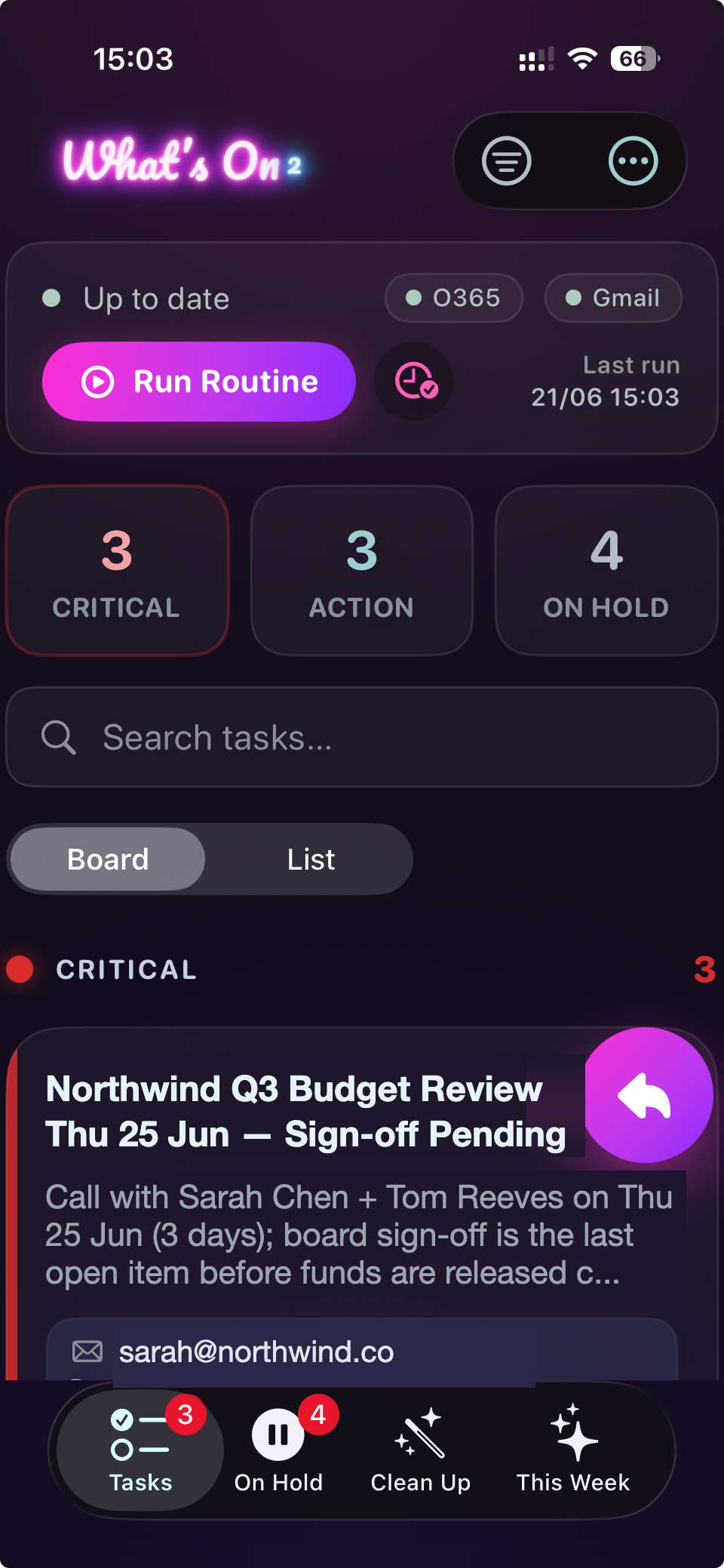
Connect once and let it run. Your device opens a secure two-way link to the What’s On relay, Claude reads and triages every account through its email connection, and your task board updates right on your device.
It gets to know your world — and acts on it
What’s On isn’t a filter. It learns your people, projects and priorities, applies them to every inbox, and gets a little sharper every day.
Learns your projects
Learns what you’re working on, then auto-files and prioritises new mail against the right project — before you even open it.
Learns your people
Learns who matters — advisors, family, clients — and never buries them. The noise gets moved out of the way instead.
Learns the noise
Learns what you ignore and block, and suppresses it before you ever see it. Quieter every week.
Learns your voice
Studies how you write and drafts replies that sound like you — your tone, your phrasing, ready to send.
Learns your history
Go deep: let it study months of past email to map your people, projects and patterns from day one.
Moves you off old accounts
Forward in an old address with no app of its own — it’s triaged too, then helps your contacts move to your new one.
AI-driven memory updating
You teach it once — “project ACME is now called MissMe - change it”, “Dan Smith’s email has changed to...” — and it remembers. It’s never as dumb tomorrow as it was today.
Review & Clean
Even great triage slips now and then — two mails that should have been one task. Review & Clean sweeps your board, spots the duplicates where matching missed, and merges them, so nothing’s counted twice.
Teach it once. It remembers forever.
You’re never correcting it — you’re teaching it. One tap, and next time it just knows. And it always shows its work.
Bring your old email with you — then leave it behind.
Stuck on an old address everyone still uses? Forward it in. What’s On 2 triages it, then helps your contacts find your new one — one tap at a time.
Forward it in
Point your old account at a mailbox What’s On 2 already handles, like Gmail or Outlook. No app on the old one? Doesn’t matter.
Triaged as your old address
It’s sorted alongside everything else — but clearly labelled as your old address, so nothing feels lost.
A friendly nudge, one tap
It spots who still writes to the old address and drafts a warm “I’ve moved” note — most important people first. You approve every one.
Watch it hit 100%
As contacts move across, the bar fills. When it’s full, you can finally close the old account for good.
Included on both plans. On Private, it all happens on your device — we help you move your contacts without ever seeing who they are.
The assistant that can’t read your email
Most AI assistants ask you to hand over your inbox. With Private, What’s On runs only on your device — and we never see your mail. We won’t claim more than that.
On-device, not cloud
In Private, the assistant runs locally on your device. Your email is read where it already lives — it never travels to us.
We can’t see your mail
There’s no copy of your inbox on our servers, because in Private there’s no server in the loop. We’re incapable of reading it.
Your keys stay yours
Your own AI key and account credentials stay on your device. They never touch our systems.
Every account. One calm view.
Connect every inbox you juggle. What’s On triages them together and shows you a single picture of your day.
More providers coming.
What plan do I need — and what will it cost me?
Two simple plans, priced honestly with the AI included. Answer two quick questions and we’ll point you to the right one.
Be first through the door.
Launching first on Apple — iPhone & Mac. Drop your email and we’ll tell you the moment the beta opens.
Plans, keys & privacy — answered
Private is £9.99/mo (or £83.99/yr) plus your own AI key — typically £2–8/mo — so £12–18 all-in with unlimited triage. Connected is £4.99/mo (or £41.99/yr) on top of the Claude plan you already pay for. Rivals charge £20–40 for less.
Only for Connected — it runs inside your existing Claude plan, so triage is effectively free. Private doesn’t need one: it uses your own AI key instead. Either way, the software subscription you pay us for is What’s On.
In Private, What’s On uses an AI key that belongs to you. It’s stored on your device and powers the on-device triage, so your mail is processed with your own key and never sent to us.
Gmail, Outlook / Microsoft 365, and Outlook.com / Hotmail — with more to come. Forwarded mail is attributed to the right account automatically. [Confirm the supported list before publishing.]
In Connected, your mail is processed in the cloud via your Claude plan. In Private, it runs only on your device — we can’t see it. That’s the strongest claim we’ll make, and we keep it true.
It retries automatically and tells you if something needs your attention. Nothing is silently missed.
Yes. Upgrade to Private anytime, effective immediately. Downgrades take effect at your next renewal. Monthly or annual — your choice.
Know what's on.
Before it piles up.
Download What's On, connect your accounts, and wake up to a sorted inbox — with replies already drafted. Run it Connected, or go Private and keep it all on your device.